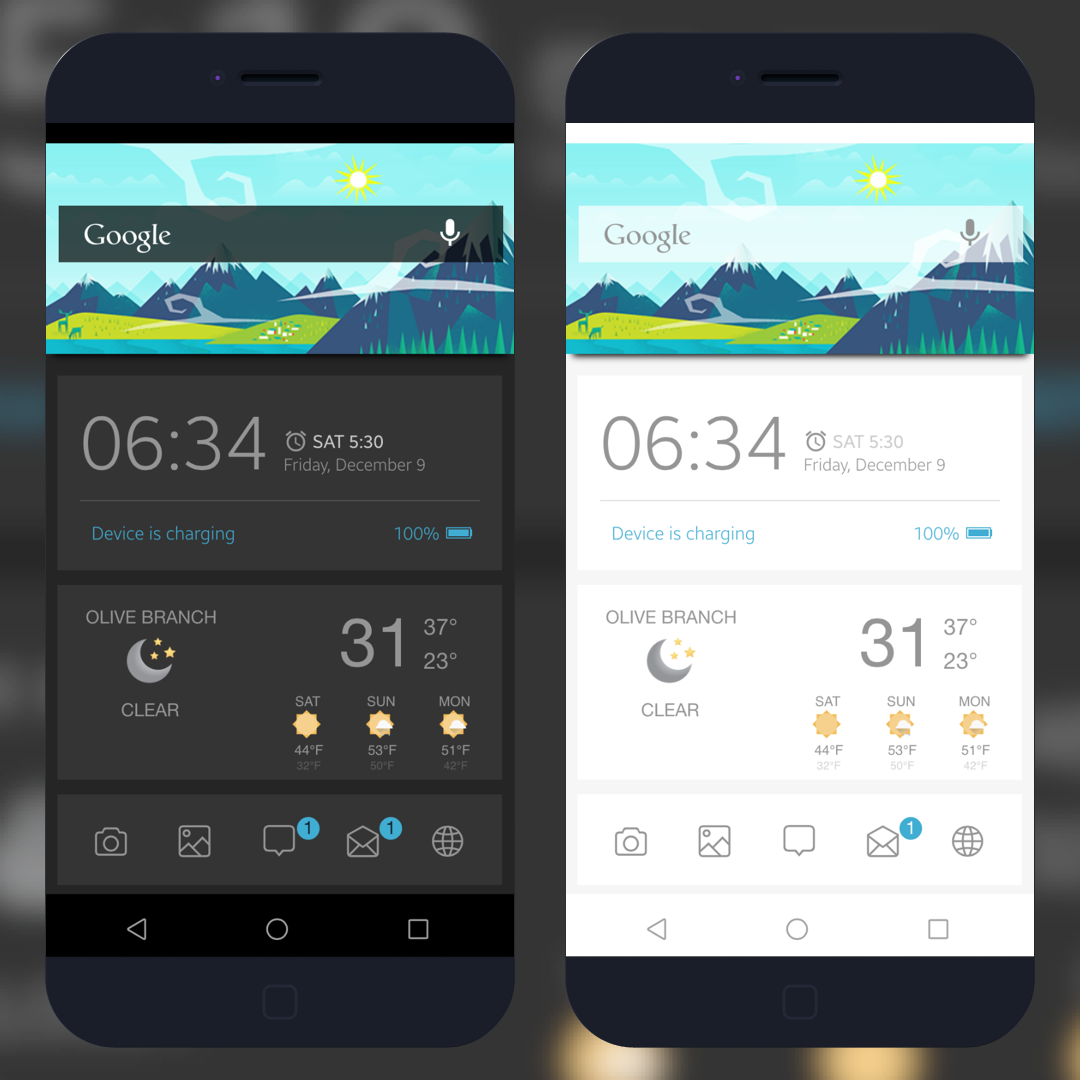
With any iWidget you will need to go to settings/general/accessibility/ and turn reduce motion on
OPWClear from Macciti
InfoStats2 (repo: http://infostats2.incendo.ws)
WebCycript (should install with InfoStats)
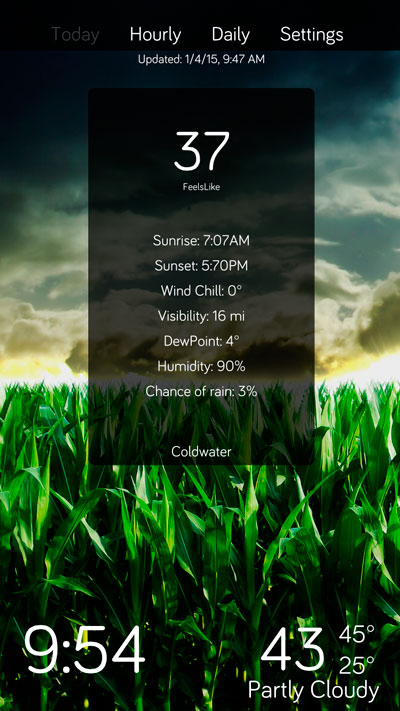
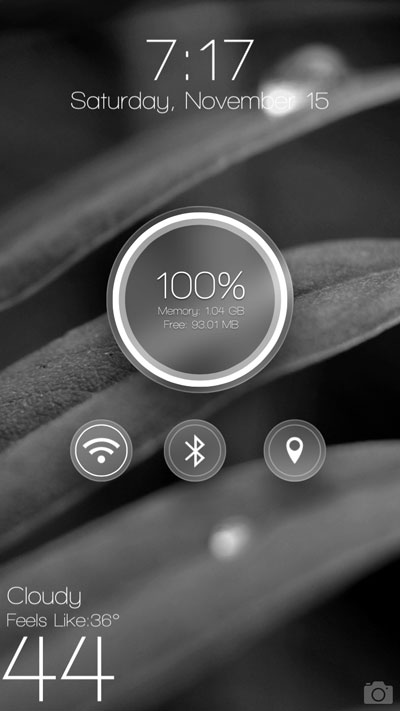
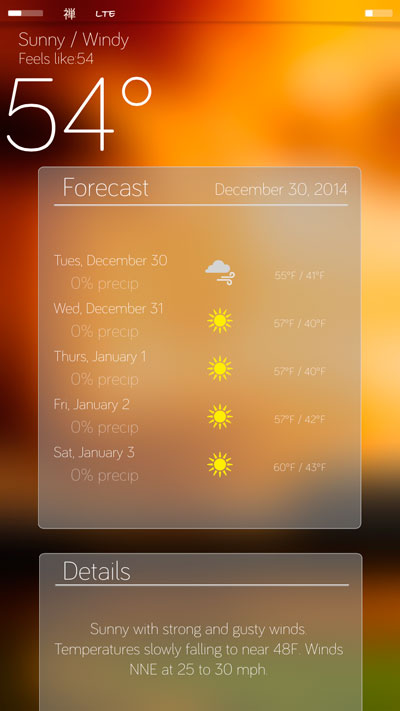
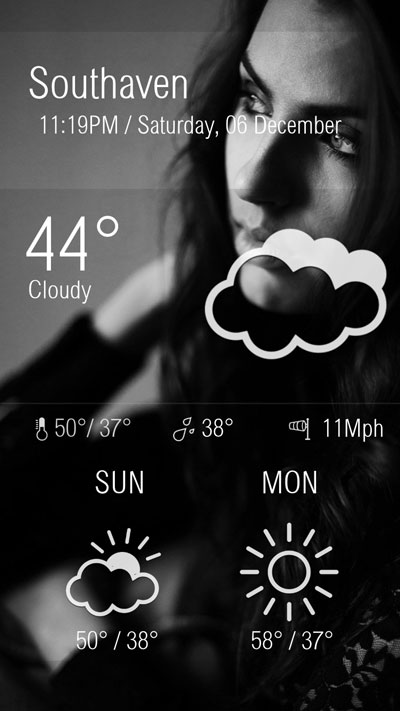
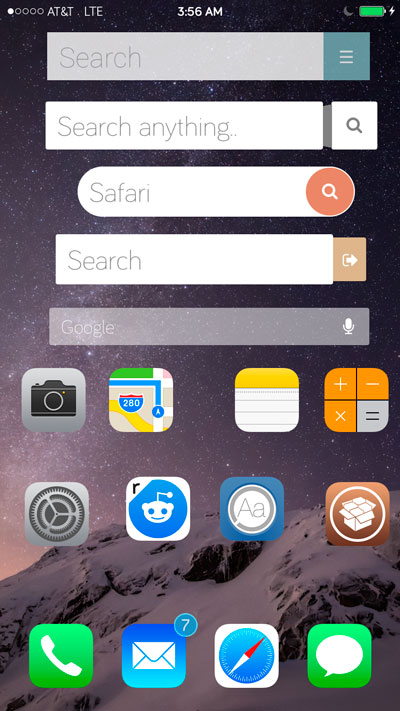
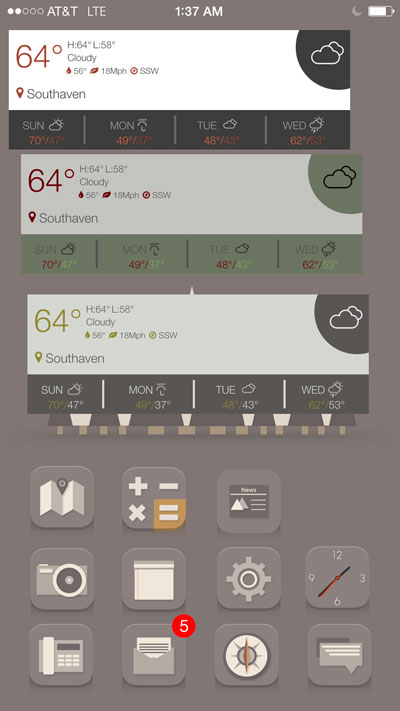
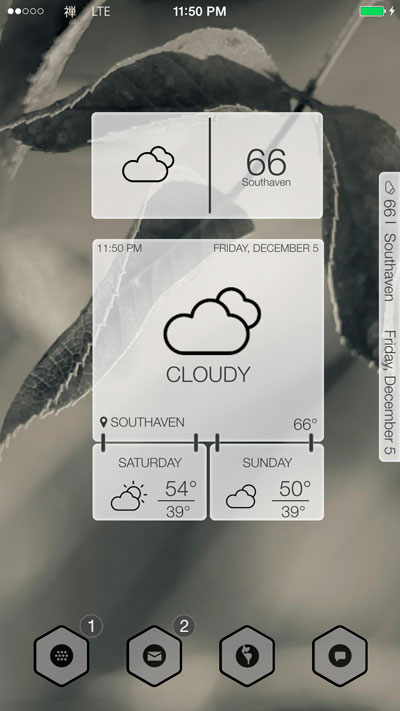
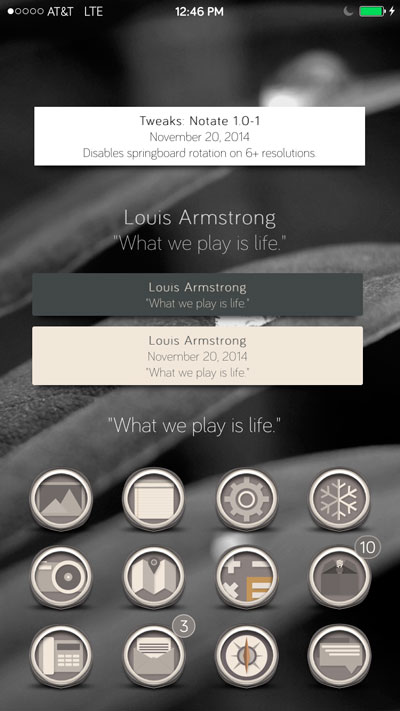
iWidgets
Clear the first page of your springboard. (Do this by moving icons to page 2)
Remove icons from the dock and hide the dock with OPWClear
Tap hold on the first page to apply the iWidget
When applying the widget you will see a screen with some options, check them out.
Release
1.0.1
Fixed alarm time not adding an extra 0
Will disable scroll even with springtomize hiding dock
1.0.2
Made badges hold more than 2 digits
Statusbar background is a little bigger
Added option to enable scrolling pages
More optimizations
1.0.3
Faster switching between Favorites and All Apps
Added grid appdrawer layout
Better weather implementation
1.0.4
Changed notifications, issue reported through email


 Follow me
 E-mail Me
 Website