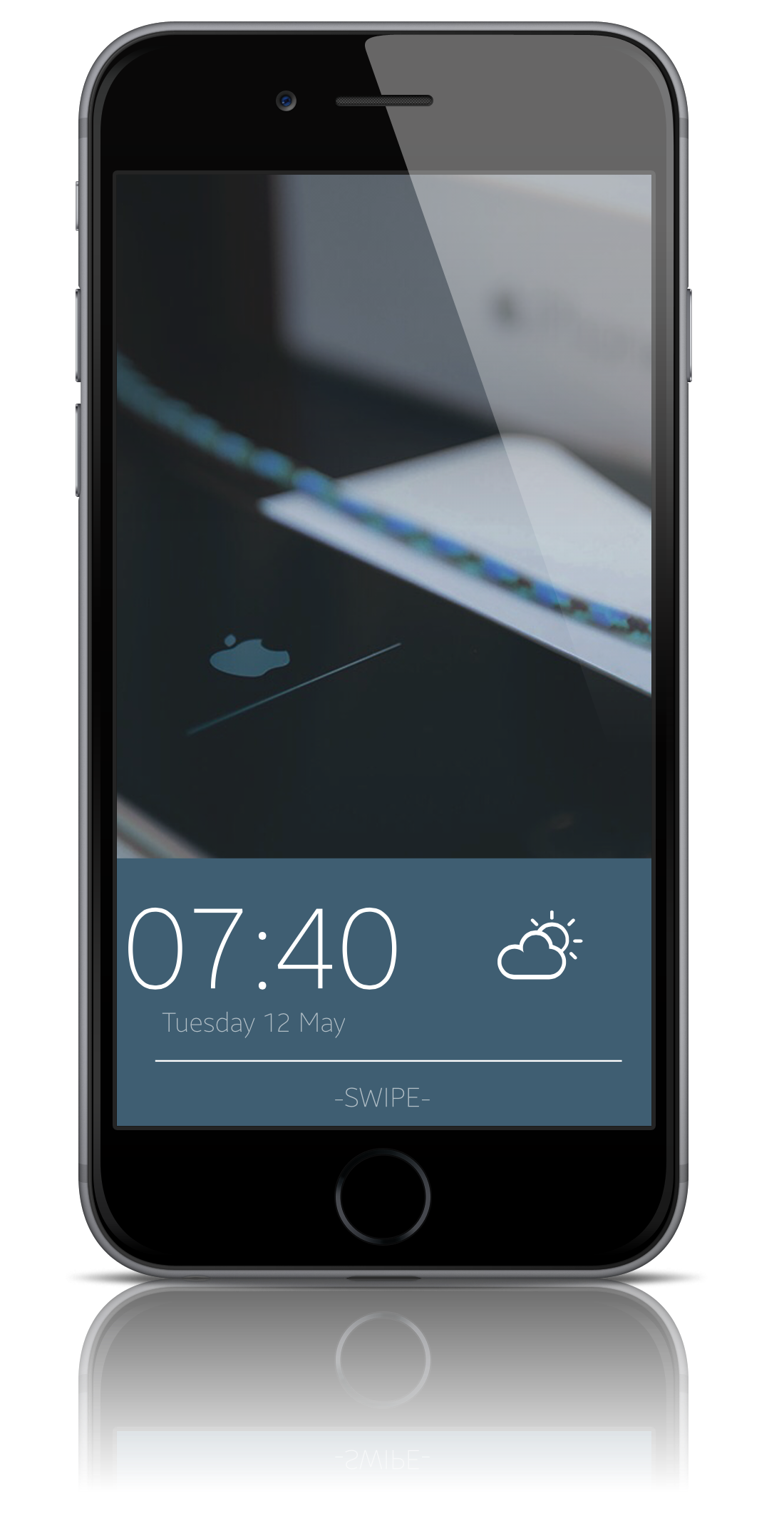
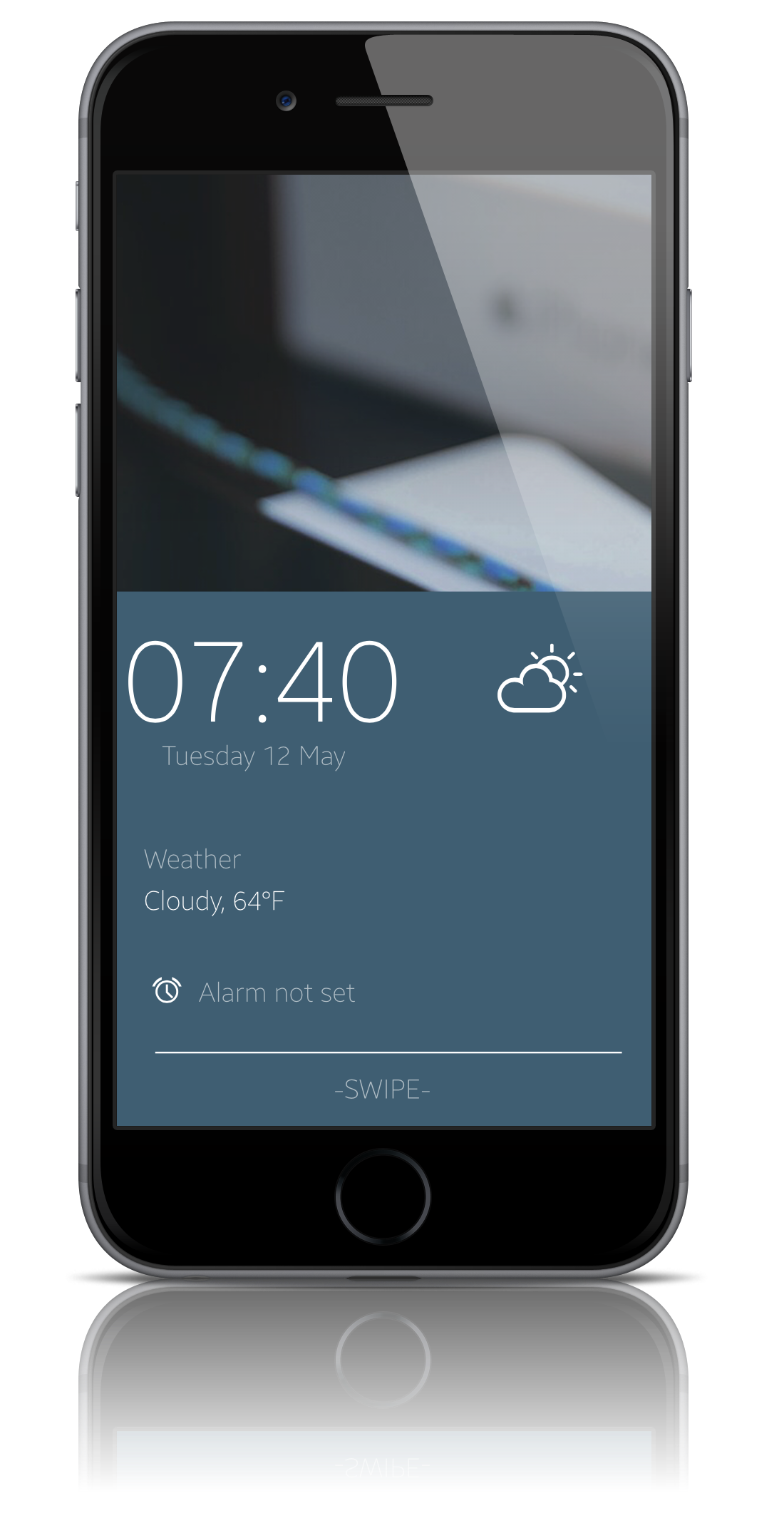
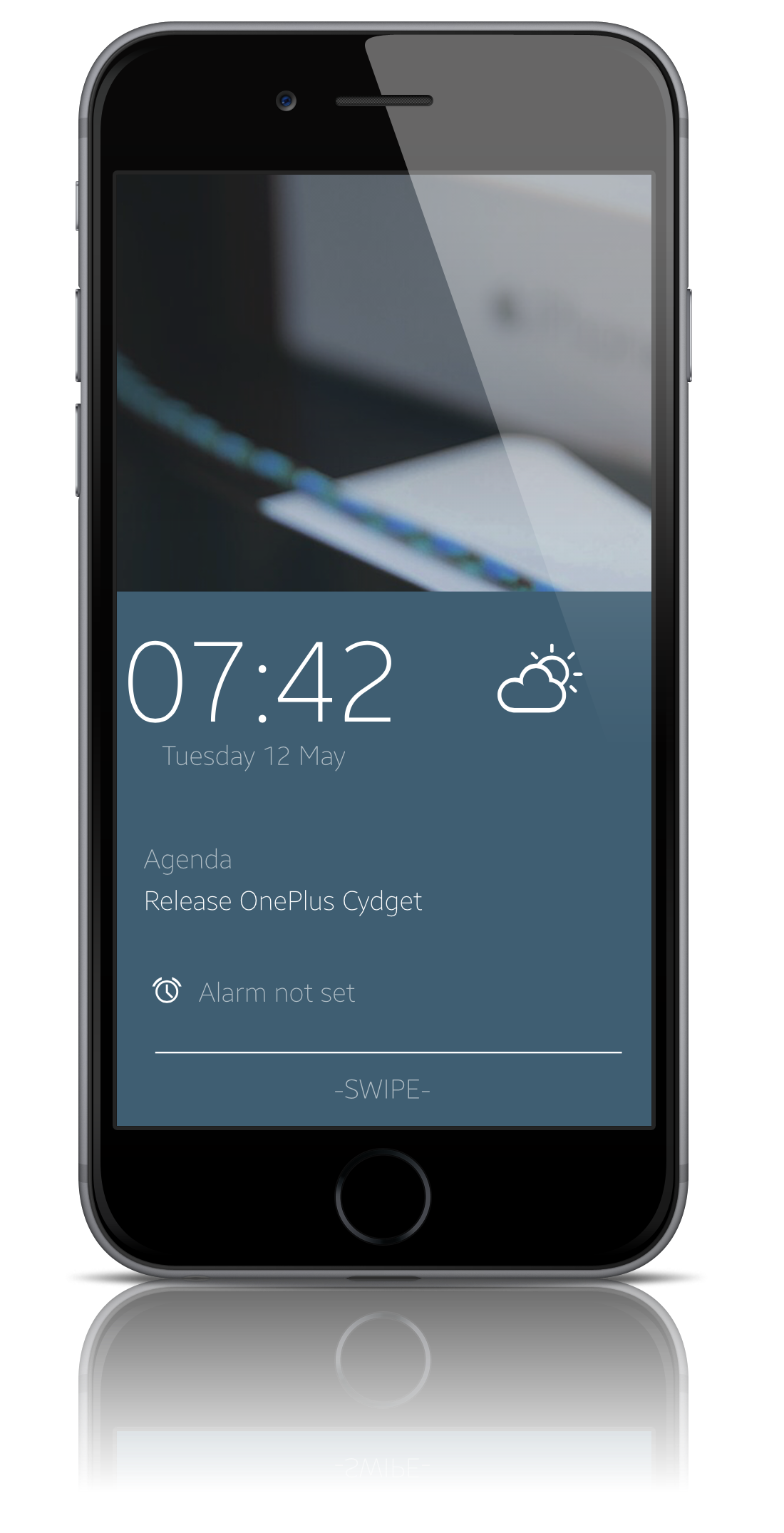
Interactive Cydget similar to the OnePlus One Lockscreen
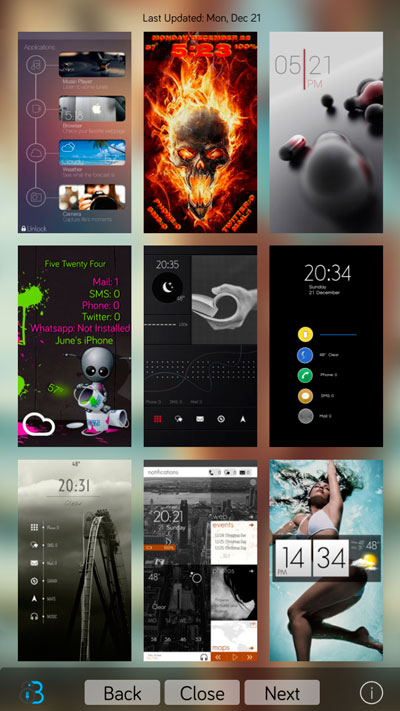
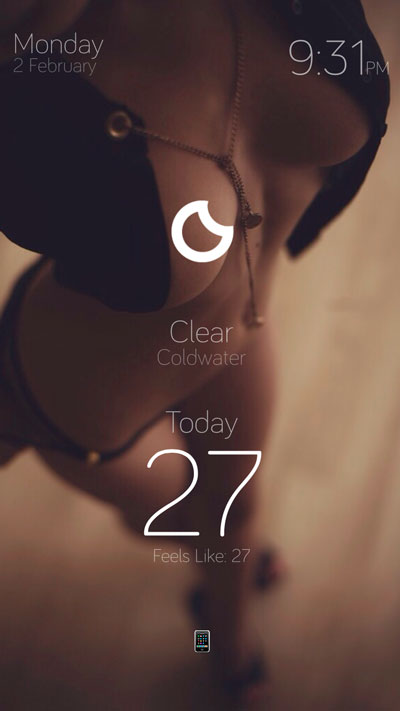
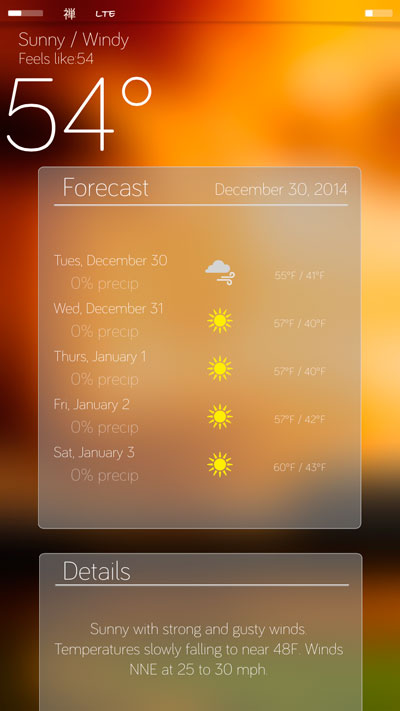
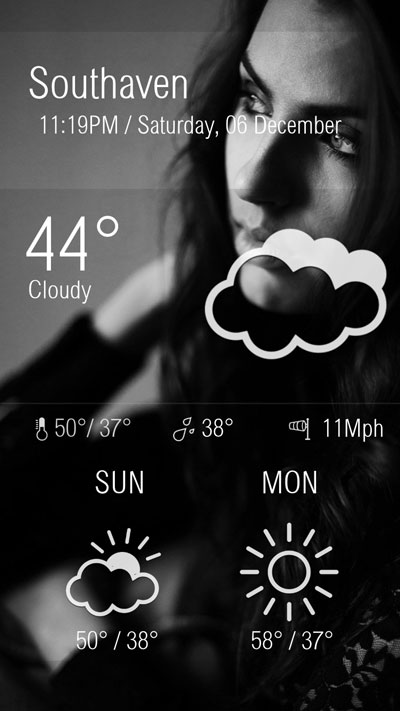
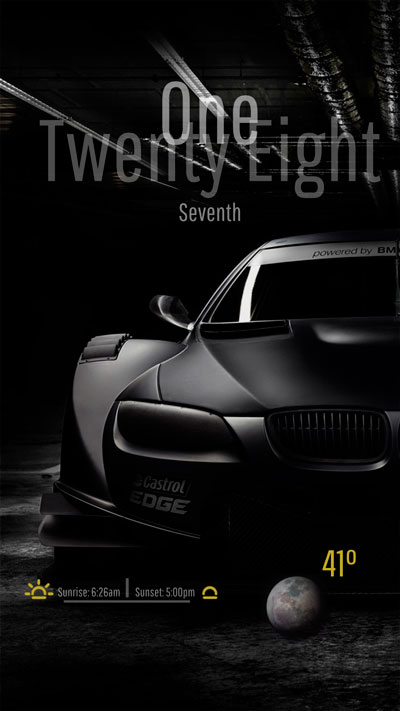
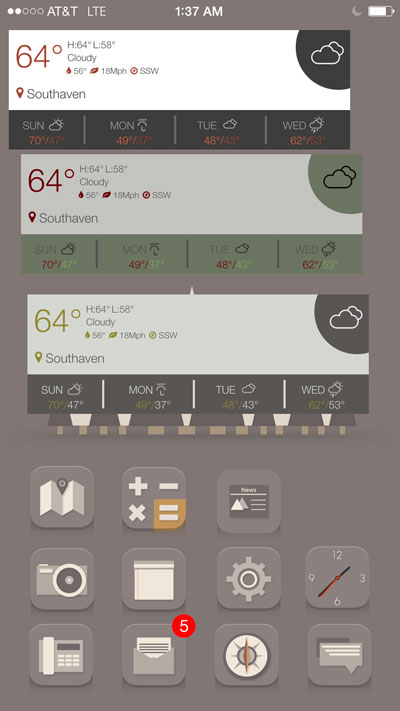
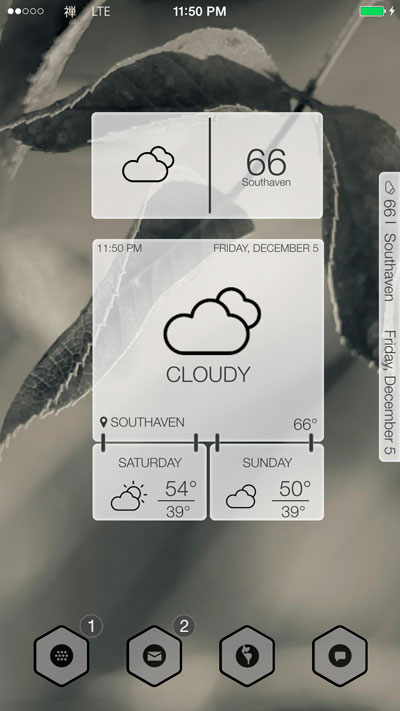
Shows time, date, weather icon, calendar events, and alarm.
Select in Cydget.
Swipe up to show widget, swipe down to hide widget, swipe right to unlock phone, swipe left to change widget background color.
Tap time to view setting switches.
Twenty-Four Changes clock to 24hr
Celsius Changes weather to celsius
Always-Show Will show widget when lockscreen is shown
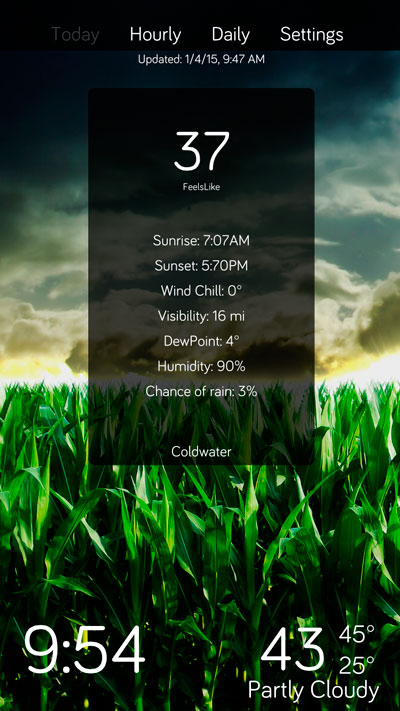
Show-Weather Replaces Agenda with weather
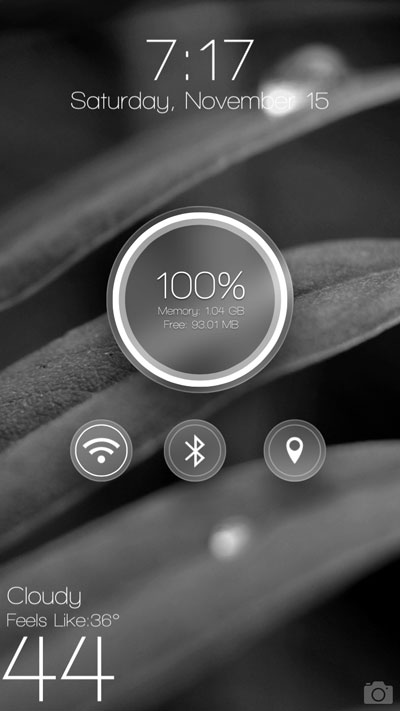
Mini Shows a mini widget
If you don't see a weather icon or weather make sure location services is on and you have the weather.app set to your current location.
Wallpaper from iDeviceWalls
1.0 Release
1.1 Fixed filename
1.2
Added option to change text color. When you swipe left to change the background color type text:yourcolor. Make sure there is no spaces. View Video
Multiple language support for dates.
1.3
Fixed weather issue on 8.3
1.4
Code Cleanup
1.5
Fixed Calendar
1.6
Updated to iOS9
Added blur options
Added close button to toggle menu
Added instruction popup

 Follow me
 E-mail Me
 Website