iOS8 - iOS9
Respring after installed
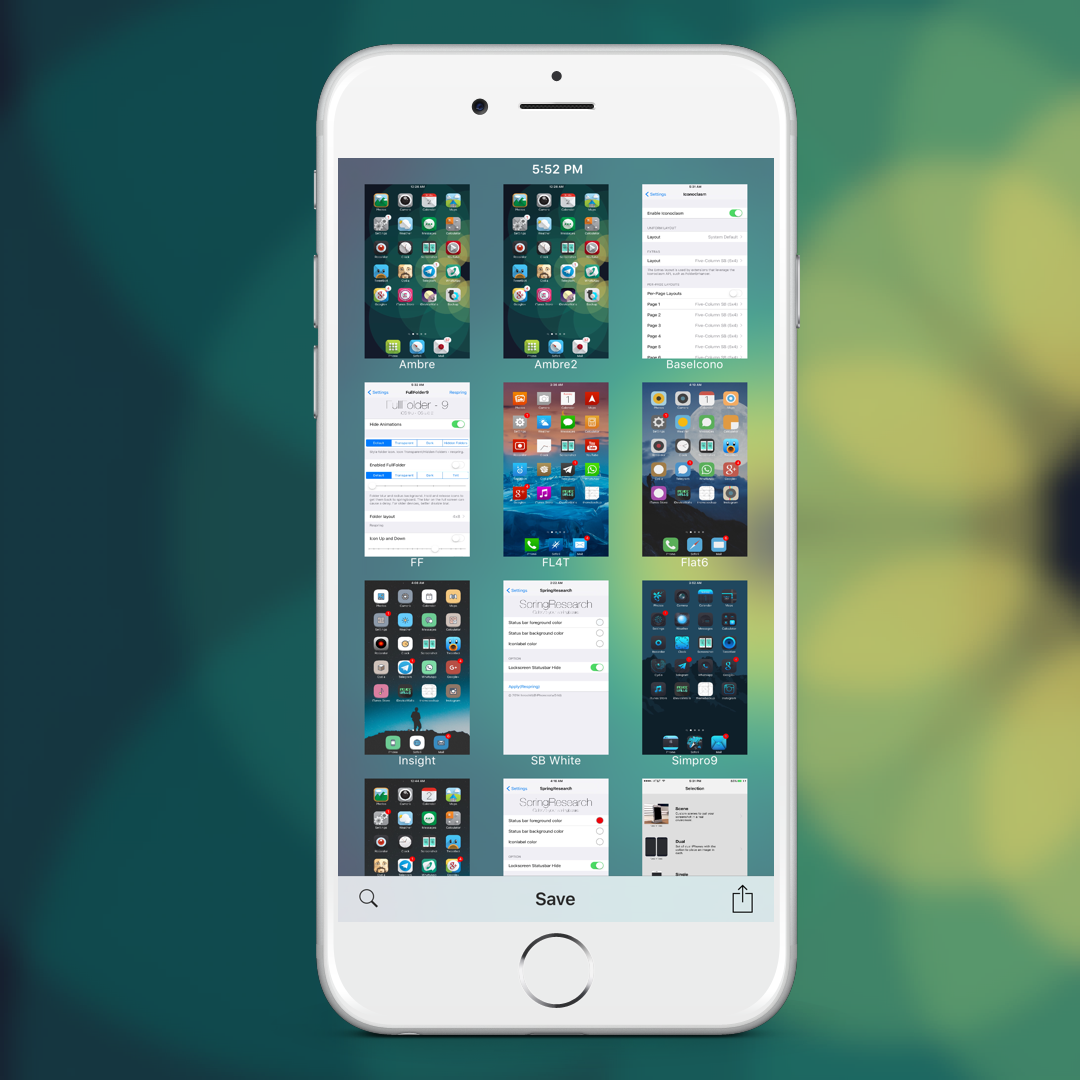
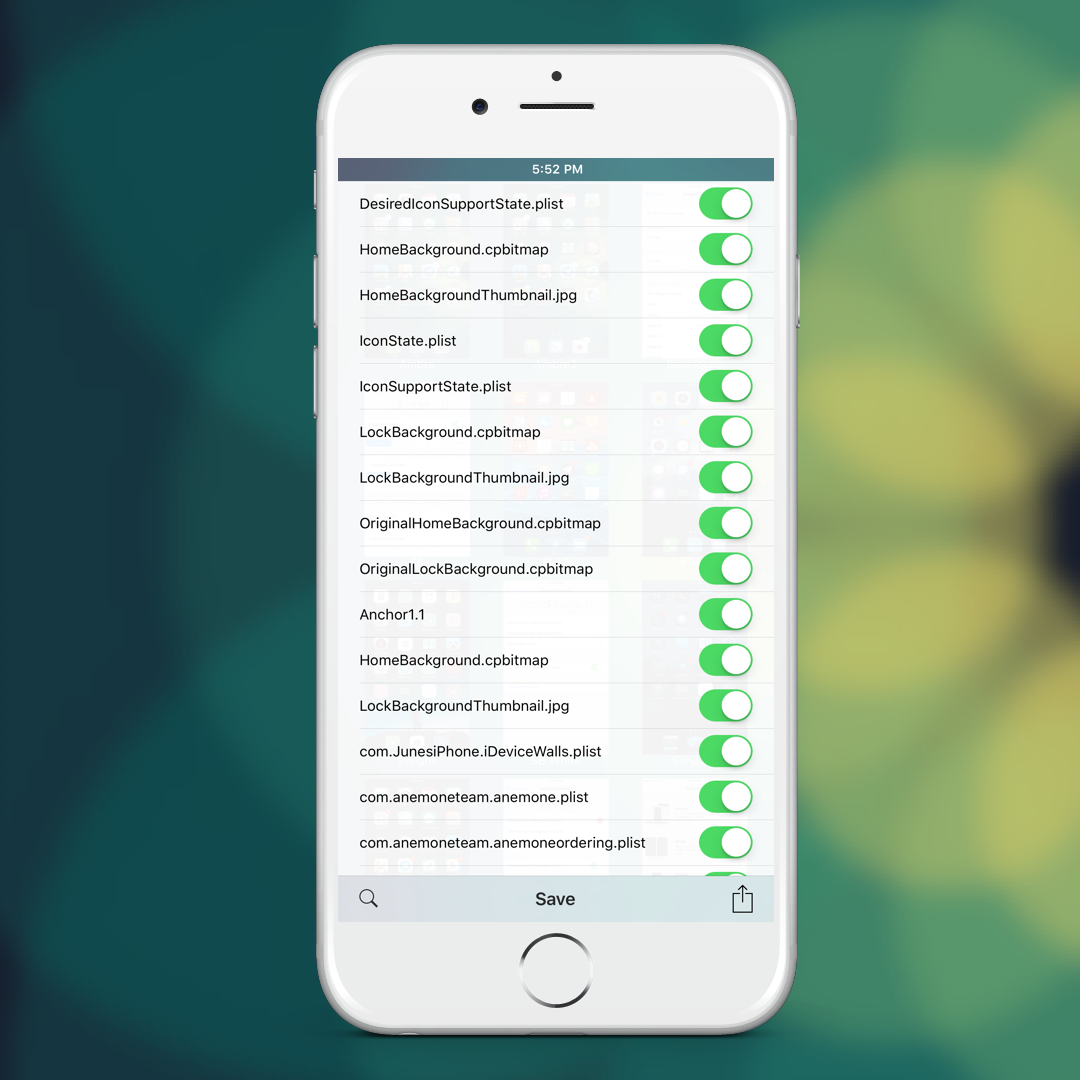
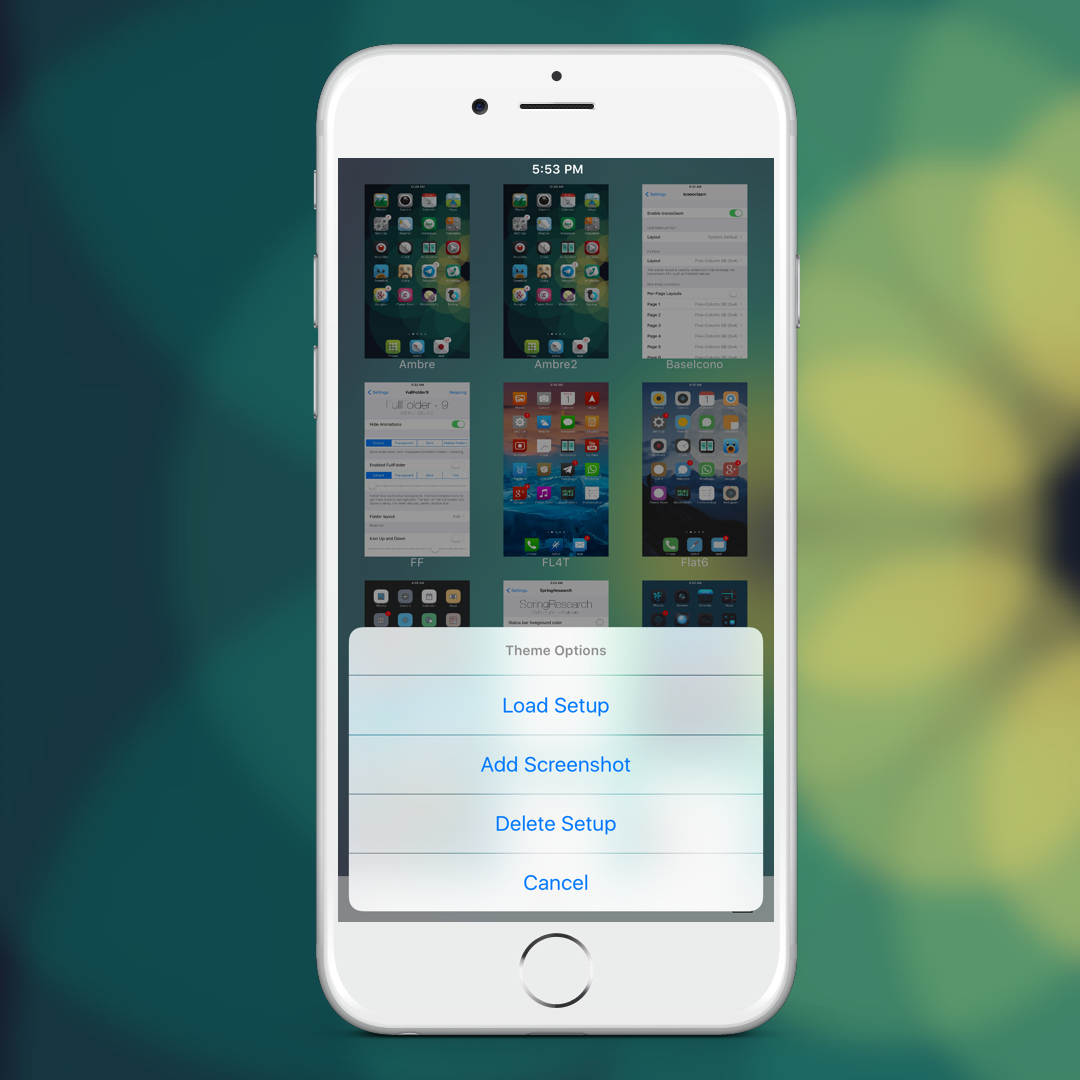
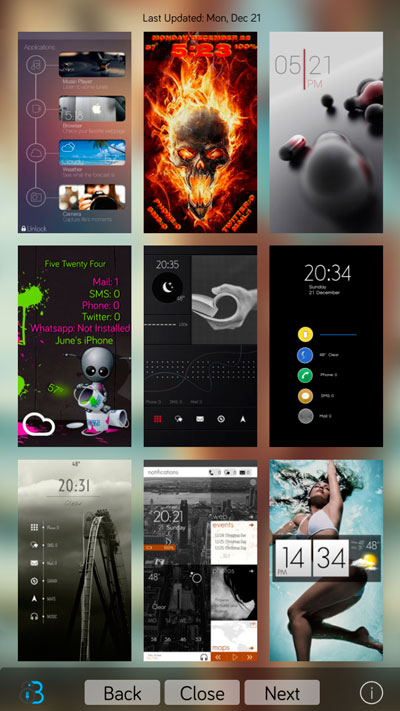
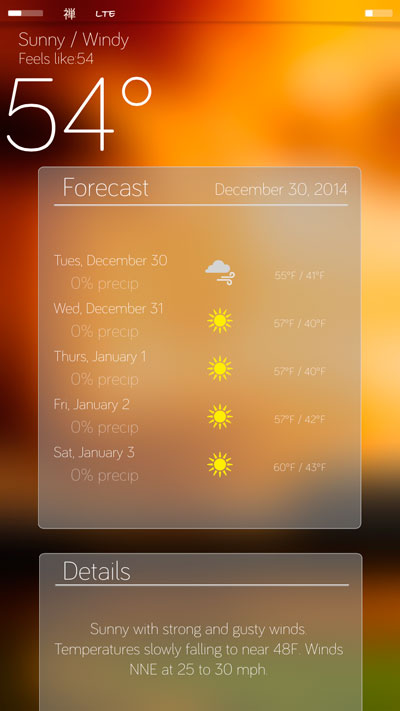
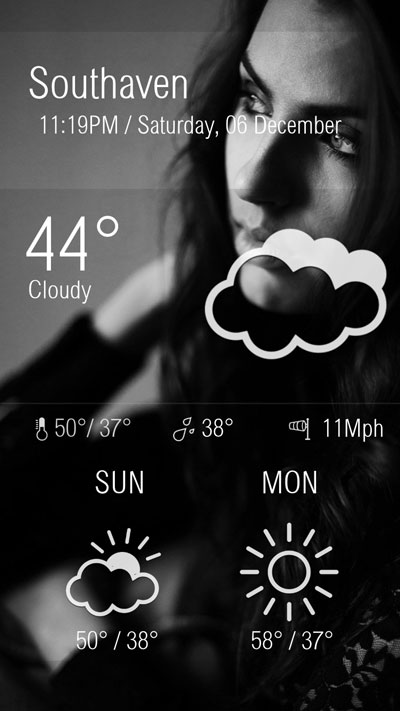
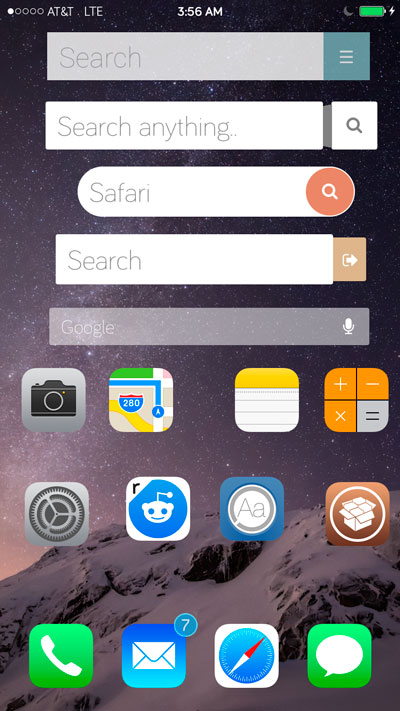
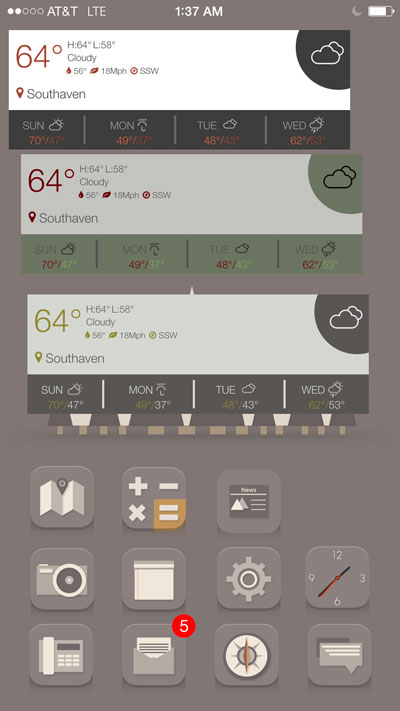
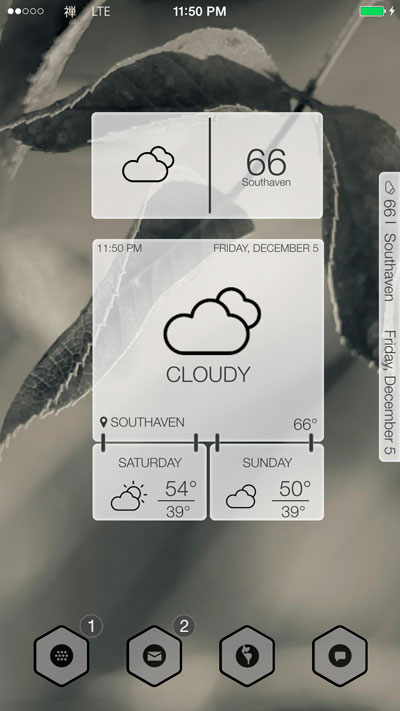
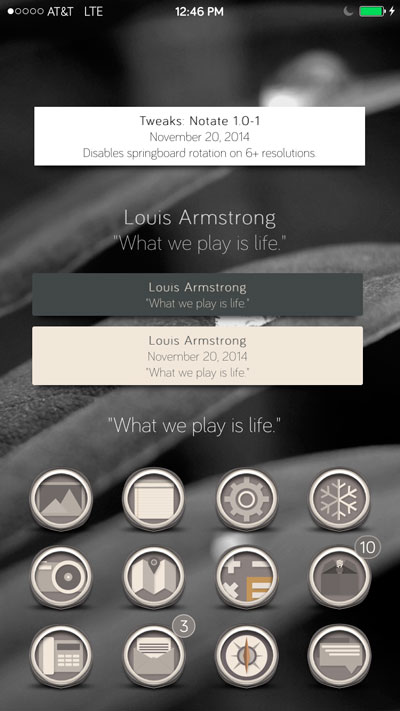
Theme backup allows you to save entire theme setups. You can save a tweak setup or all the tweaks that your theme uses. Press the magnifier to view which settings ThemeBackup will save. To save a theme just press save, add a screenshot or load a theme by pressing on that theme.
It's important to gather any issues that might arise. For this we would like to have your feedback.
The perfect condition seems to be themes running Anemone and Iconoclasm not being used.
Iconoclasm setups do backup, but applying them may take an extra respring. I do not quite understand what exactly Iconoclasm does when it sets up icons, but in most of my tests it works fine. I have gotten reports that say otherwise though. (Still testing)
Wallpapers: Some have noted if they backup wallpapers will change but are not sized as they once were. (Have not been able to reproduce yet)
1.0 Release
1.1
Support for 32bit devices
Support for transparent theme images
Option to change app background
Removed Landscape
Added tutorial link
1.1.1
Added Update themes option (requested by @FontMe)
Support for flex patches (requested by @SlavQalnc)
Support for iconoclasm (thanks @Jackfburlinson for helping test this and the things below)
Clear uicache if winterboard is installed
Fixed wallpaper issue
1.1.2
Fixed icon layout without iconoclasm
1.2
Previews no longer disappear after setup is updated.
1.3
Updated to 9.3.3
1.4
Fixed Anchor issues
1.5
Generates homescreen preview
1.6
Removed generate homescreen preview
Removed the need for ccapp
Fixed crash on 10.2


 Follow me
 E-mail Me
 Website