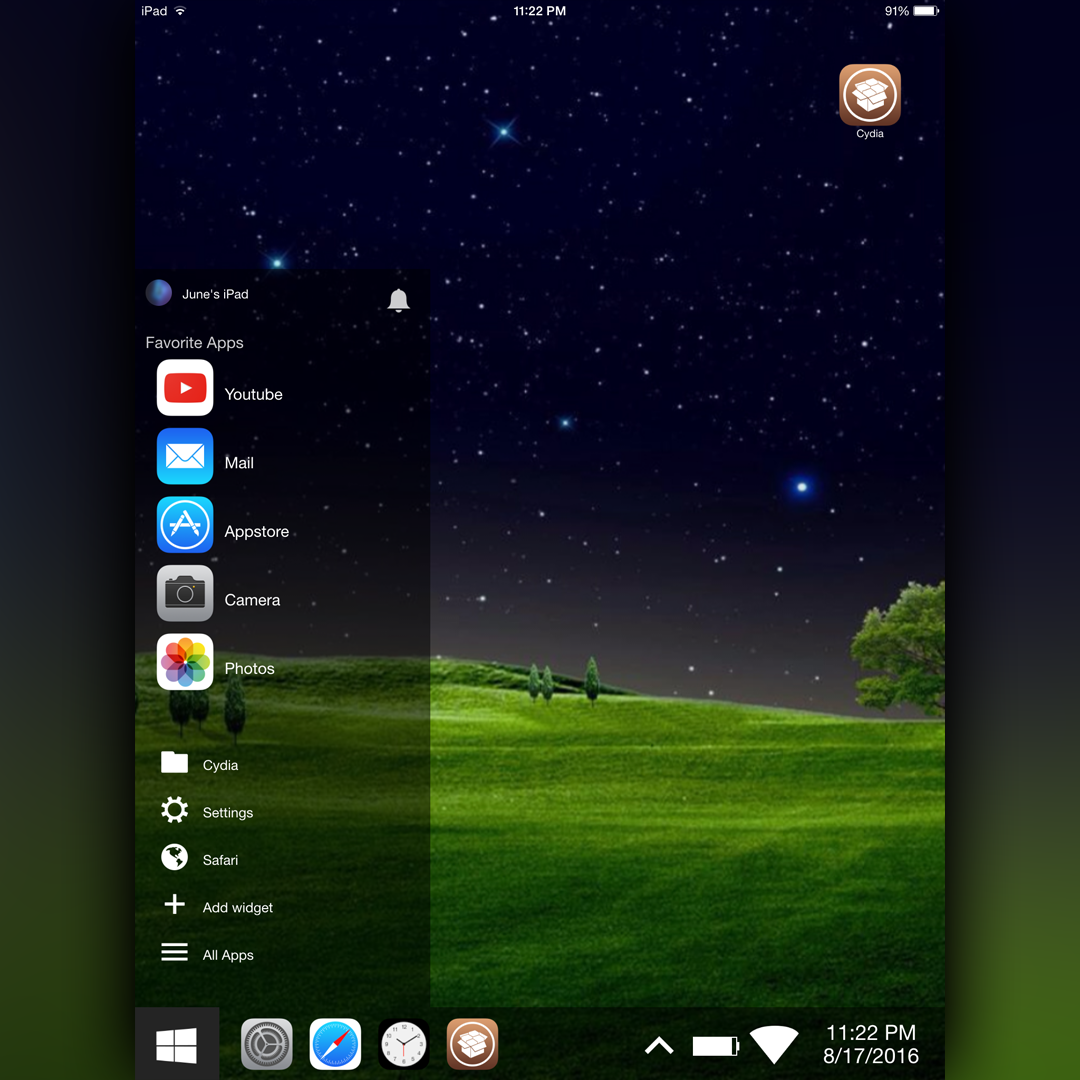
Currently tested on iPad mini 2
With any iWidget you will need to go to settings/general/accessibility/ and turn reduce motion on
DockAdjust (works on iOS9)
NoPageDots7 (works on iOS9)
Cycript
WebCycript ((Deb in tutorial below)
InfoStats2
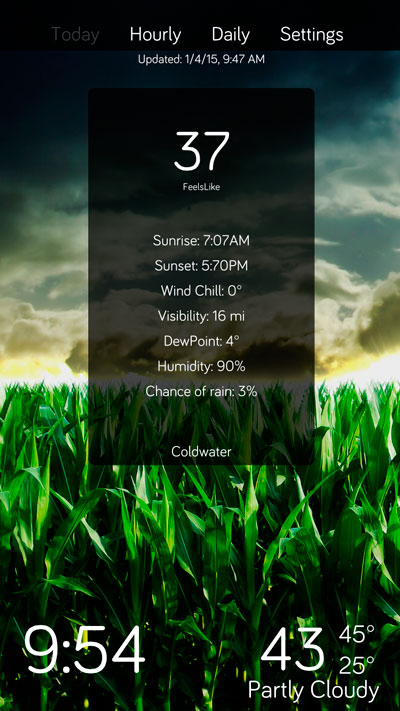
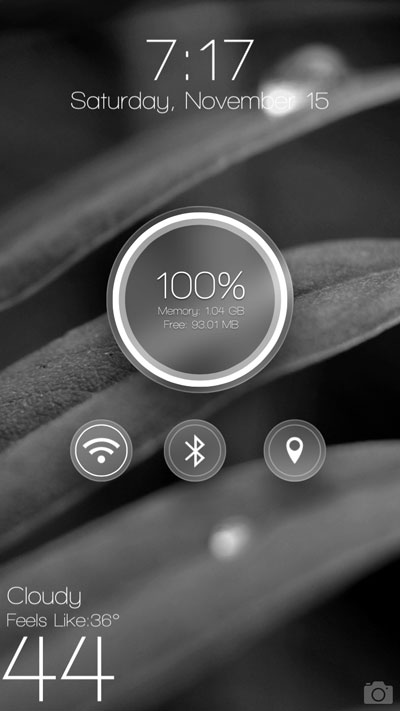
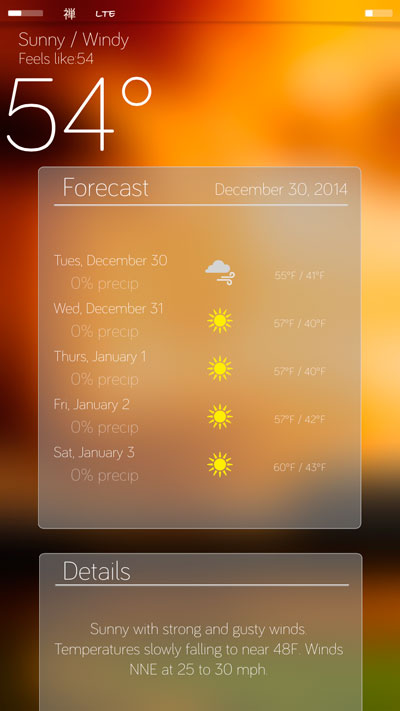
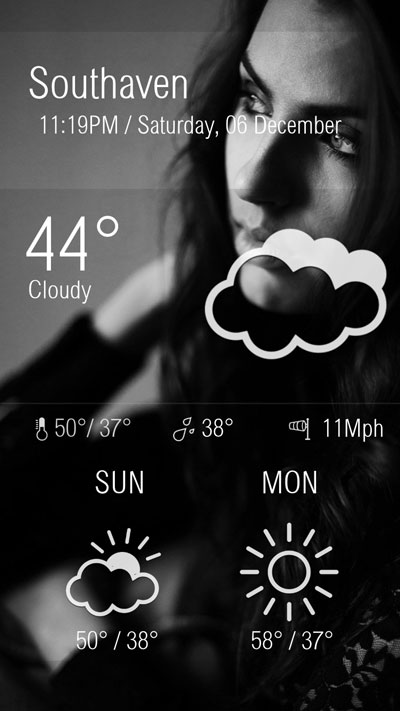
iWidgets
NoSBLandscape (available on this repo)
Clear the first page of your springboard. (Do this by moving icons to page 2)
Remove icons from the dock and hide the dock with dockadjust
Tap hold on the first page to apply the iWidget
When applying the widget you will see a screen with some options, check them out.
Working start button that allows 5 favorite apps (You select the apps when placing the widget. If you want and app added please tell me) The menu also contains Cydia, Settings, Safari, Power (locks device), and all apps (all apps opens your selected switcher).
Tap the time in the task bar to open clock app
Tap the up arrow to display device stats such as memory, data, and free space.
Task bar (bar at the bottom) will keep a list of recently opened apps.
Widgets can be placed on top of this widget. You do this by setting a widget on the second page, then while in wiggle mode drag it on top of the first page.
To add icons to the screen double tap the screen, you will see a list on the right, select an app and the icon will be placed on the screen. Tap the app to open it, drag the app to the very bottom to delete it. You can move them anywhere but if you move to the bottom it will get rid of it.
The apps will not stay after respring, this will be in a future update. Apps will also take on any theme you have installed.
Yes Landscape is planned, but is very hard to implement as iWidgets disappear in landscape (reason for NoSBLandscape)
This is an early version, please let me know of any issues. Everything is subject to change.
The common issue I get is users can't tap anything, this is usually because they use springtomize to hide the dock. If you use DockAdjust you wont have this issue.
0.0.1 Release

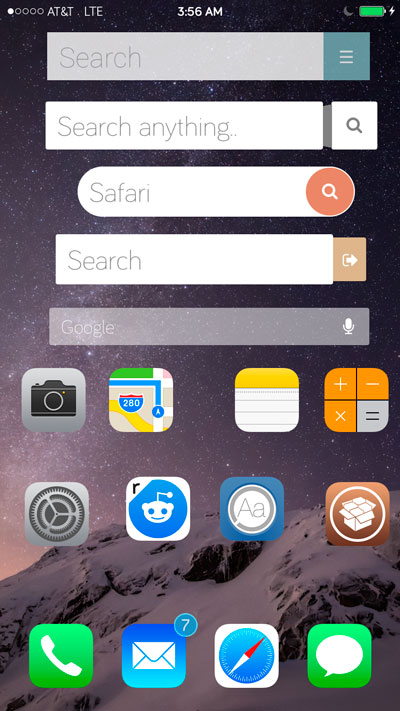
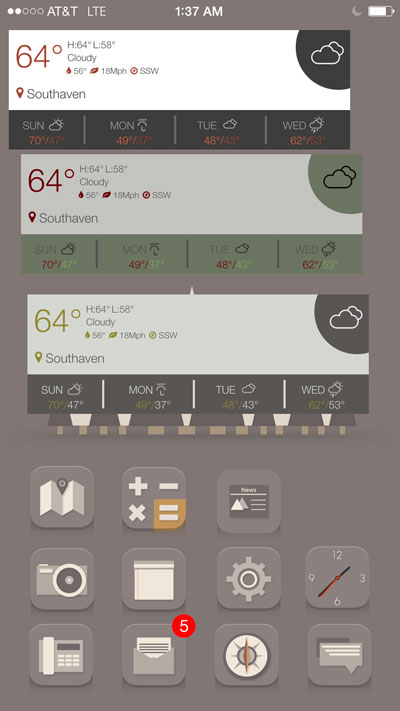
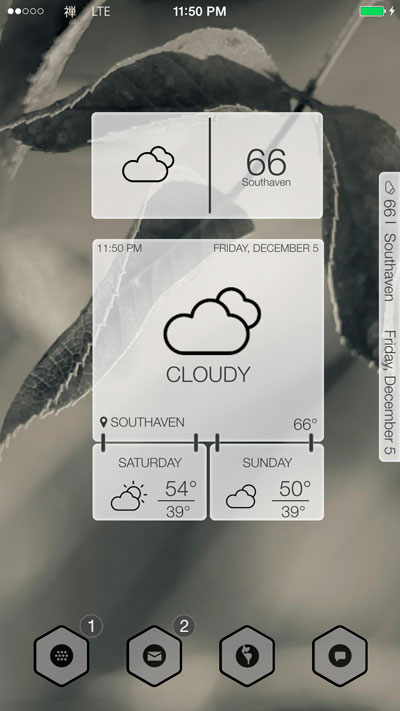
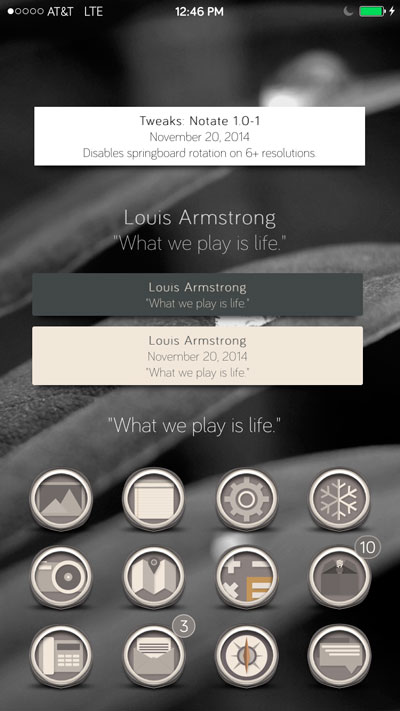

 Follow me
 E-mail Me
 Website